Data Science teams rarely work with a single tool. A typical project may involve collecting data, writing Python code, testing machine learning models, sharing notebooks, managing datasets and deploying applications. An effective workspace helps bring these activities together.
With more organisations exploring Artificial Intelligence and Generative AI, choosing the right development environment has become an important technical decision. Students, analysts, developers and business teams in India are exploring platforms that make collaboration and machine learning workflows easier.
But which AI workspace is suitable for a Data Science team? The answer depends on project size, programming experience, cloud requirements, security needs and budget.
This guide compares popular AI and Data Science workspaces and explains what to consider before selecting one.
What Is an AI Workspace?
An AI workspace is an environment where users can develop, experiment with, manage or collaborate on data and AI projects.
Depending on the platform, it may include interactive notebooks, Python and SQL support, data storage, machine learning libraries, experiment tracking, model deployment and collaboration features.
Some workspaces are designed for learning and experimentation, while others support enterprise-scale data engineering and production AI applications.
1. JupyterLab and Jupyter Notebook
Jupyter Notebook is a widely used environment for interactive programming. It allows users to combine code, visualizations, explanatory text and output in a single document.
JupyterLab provides a more flexible interface with notebooks, terminals, text editors and other development tools.
Key advantages:
- Useful for learning Python and Data Science.
- Supports interactive coding and visualizations.
- Works with libraries such as Pandas, NumPy and Scikit-learn.
- Helps document experiments and analytical workflows.
Limitations: Teams may need additional tools for shared infrastructure, access control, experiment management and production deployment.
Best suited for: Students, individual analysts, educators and teams building Python-based prototypes.
2. Google Colab
Google Colab provides a hosted notebook environment that allows users to write and execute Python code through a browser.
It can be useful for learners who want to experiment without configuring a local development environment. Depending on availability and plan, users may access computing resources such as GPUs.
Key advantages:
- Browser-based notebook experience.
- Convenient for Python experiments.
- Supports data analysis and machine learning libraries.
- Easy to share notebook-based work.
Limitations: Resource availability, session limits and usage conditions can vary. Teams with production requirements may need a more controlled environment.
Best suited for: Beginners, students, educators and small-scale experiments.
3. Microsoft Fabric
Microsoft Fabric is an analytics platform that brings together data engineering, data integration, data warehousing, analytics and business intelligence capabilities.
It can be relevant to organisations already using Microsoft’s data and business intelligence ecosystem.
Key advantages:
- Integrated data and analytics capabilities.
- Supports collaboration across different data roles.
- Connects with Power BI reporting workflows.
- Suitable for organisations building connected analytics solutions.
Limitations: Teams should evaluate licensing, capacity requirements, administration and the learning curve before adopting it.
Best suited for: Organisations that want connected data engineering, analytics and reporting workflows.
4. Databricks
Databricks provides a platform for data engineering, analytics, machine learning and AI development. Its collaborative notebooks support languages including Python, SQL, R and Scala.
It also provides machine learning capabilities across stages such as data preparation, model development and production monitoring.
Key advantages:
- Supports collaborative data science notebooks.
- Provides data engineering and machine learning workflows.
- Includes experiment and model management capabilities.
- Offers options for building and deploying machine learning applications.
Limitations: It may require cloud and platform knowledge, and costs depend on configuration and usage.
Best suited for: Data Science teams, data engineers and organisations working with larger data workloads.
5. Amazon SageMaker
Amazon SageMaker provides managed services for developing, training and deploying machine learning models within the AWS ecosystem.
It can support teams that need managed infrastructure and integration with other AWS services.
Key advantages:
- Managed machine learning development environment.
- Supports model training and deployment workflows.
- Integrates with AWS data and infrastructure services.
- Offers capabilities for managing machine learning projects.
Limitations: Teams need to understand AWS services, permissions, infrastructure and cost management.
Best suited for: Organisations already using AWS and teams building cloud-based ML applications.
6. Google Cloud Vertex AI
Vertex AI provides Google Cloud services for developing, training, deploying and managing machine learning and AI applications.
It supports workflows involving models, datasets and managed infrastructure, with services for both machine learning and Generative AI development.
Key advantages:
- Managed AI and machine learning capabilities.
- Integration with Google Cloud services.
- Supports model development and deployment.
- Provides tools for building AI applications.
Limitations: Users need familiarity with Google Cloud concepts, project configuration, permissions and pricing.
Best suited for: Teams building AI applications within the Google Cloud ecosystem.
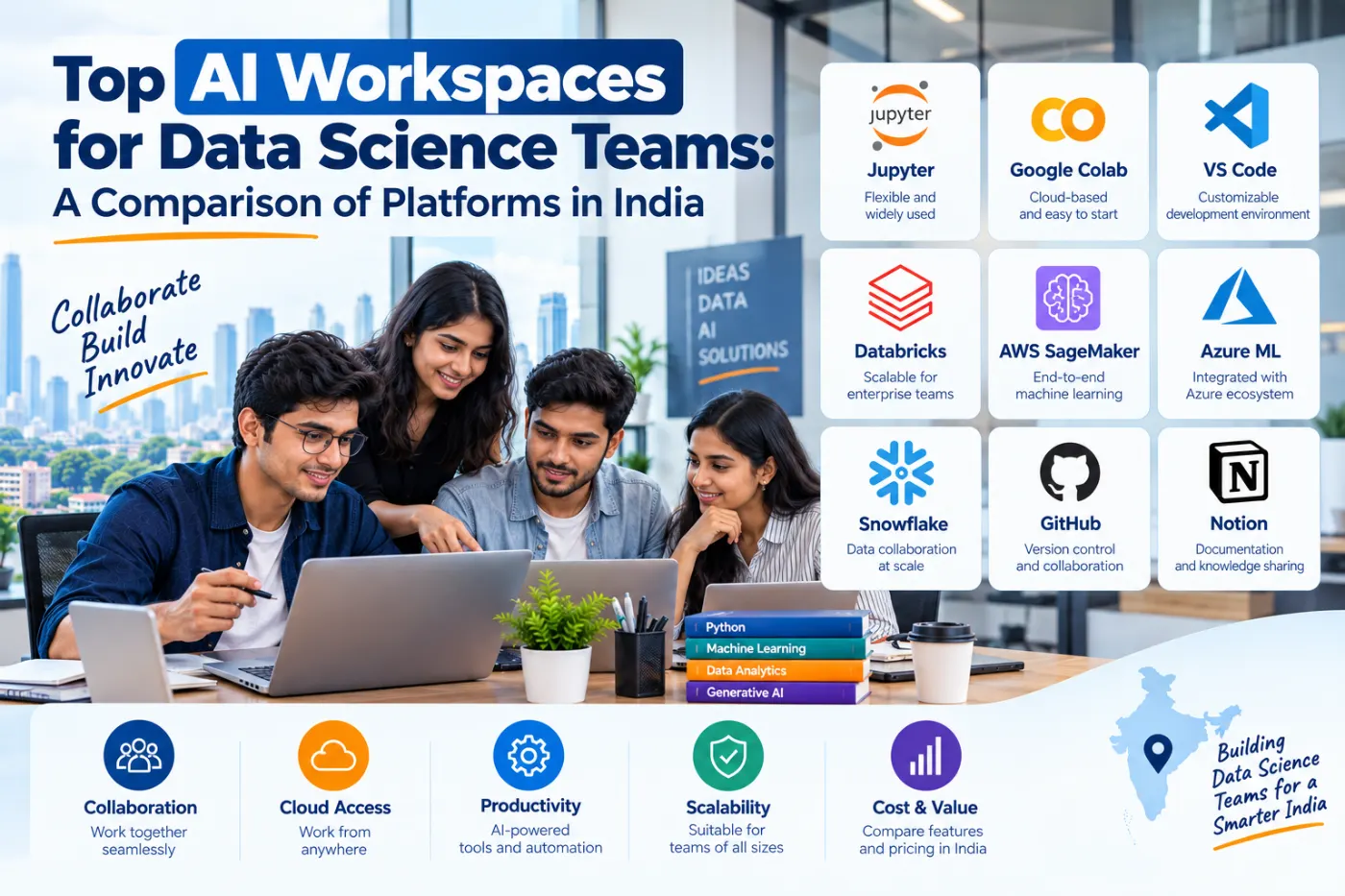
AI Workspace Comparison
| Platform | Main strength | Suitable users |
|---|---|---|
| JupyterLab | Interactive coding | Learners and analysts |
| Google Colab | Browser-based Python | Beginners and students |
| Microsoft Fabric | Integrated analytics | Business and data teams |
| Databricks | Data and ML workflows | Professional teams |
| Amazon SageMaker | AWS-based ML | Cloud ML teams |
| Vertex AI | Google Cloud AI | Cloud AI developers |
No single platform is best for every organisation. The right choice depends on the work being performed, the team’s existing technology stack and the level of infrastructure management required.
How Should Data Science Teams Choose an AI Workspace?
Before selecting a platform, consider the following factors:
Programming support: Check whether the workspace supports Python, SQL and the libraries your team uses.
Collaboration: Look for notebook sharing, version control, permissions and team access.
Data management: Evaluate how the platform connects to databases, files and cloud storage.
Machine learning lifecycle: Determine whether it supports model training, experiment tracking, deployment and monitoring.
Security: Review access controls, data protection and compliance requirements.
Cost: Consider compute usage, storage, licensing, resource limits and administration costs.
A small learning project may work well in Jupyter or Colab, while an enterprise team may need a managed platform with stronger governance and deployment features.
Skills Needed to Work with AI and Data Science Platforms
Knowing how to open a notebook is not the same as being able to complete a Data Science project.
Learners should develop Python programming, SQL, data cleaning, statistics, visualization and machine learning fundamentals. These skills make it easier to understand how a workspace supports the larger project.
For example, a learner may use Pandas to prepare data, Scikit-learn to train a model and a notebook to document the experiment. More advanced work may introduce cloud storage, deployment and monitoring.
Exploring Data Science Training in Bangalore
Students and professionals looking for Data Science training in Bangalore can compare programmes based on practical exposure to Python, SQL, machine learning and relevant AI tools.
NUCOT provides information about its Data Science with Python and GenAI programme. Learners can review the NUCOT programme details and enquire about the current curriculum, training format, practical projects and course conditions.
For those considering Data Science training near Indiranagar, location, batch schedule and learning format may also influence the decision.
Conclusion
AI workspaces support different stages of Data Science, from writing Python code to building and deploying machine learning applications. JupyterLab and Colab are useful for interactive learning, while Fabric, Databricks, SageMaker and Vertex AI provide broader managed capabilities.
The best platform is the one that fits the team’s technical requirements, budget and workflow. Building strong Python, SQL and machine learning foundations is a practical first step before choosing a more advanced AI workspace.